

Create an account
our free trial includes 5 GB of storage and 2 GB of bandwidth, with no payment card required. Any unused trial credits expire when your trial ends
1
Sign up for your free trial
Sign-up and register for a free trial account.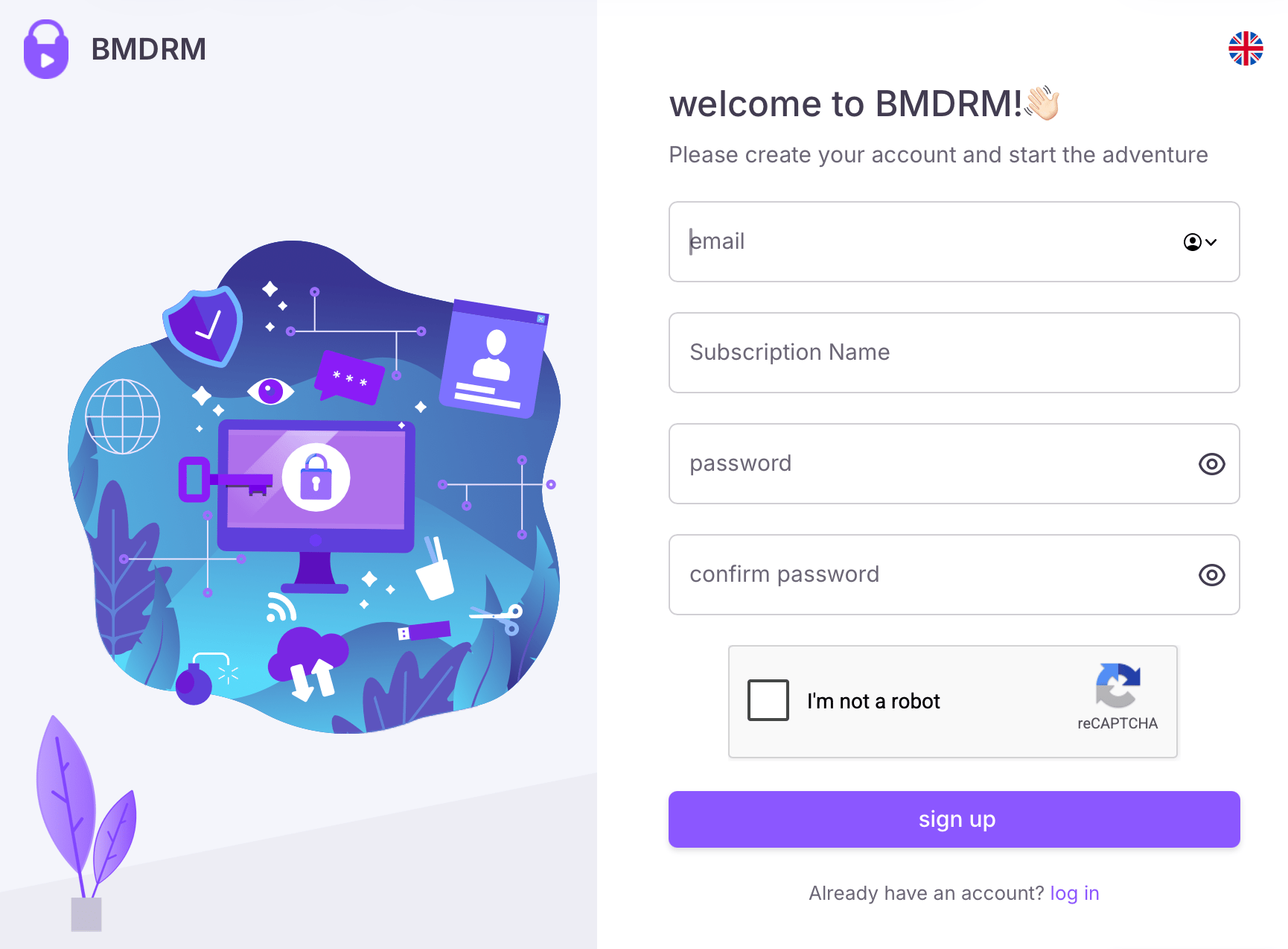
2
Confirm your email address
You must use the link in the email sent to you. Once done, you’ll be able to upload and manage as many videos in your account as you need during the trial.
3
Uploading your video file
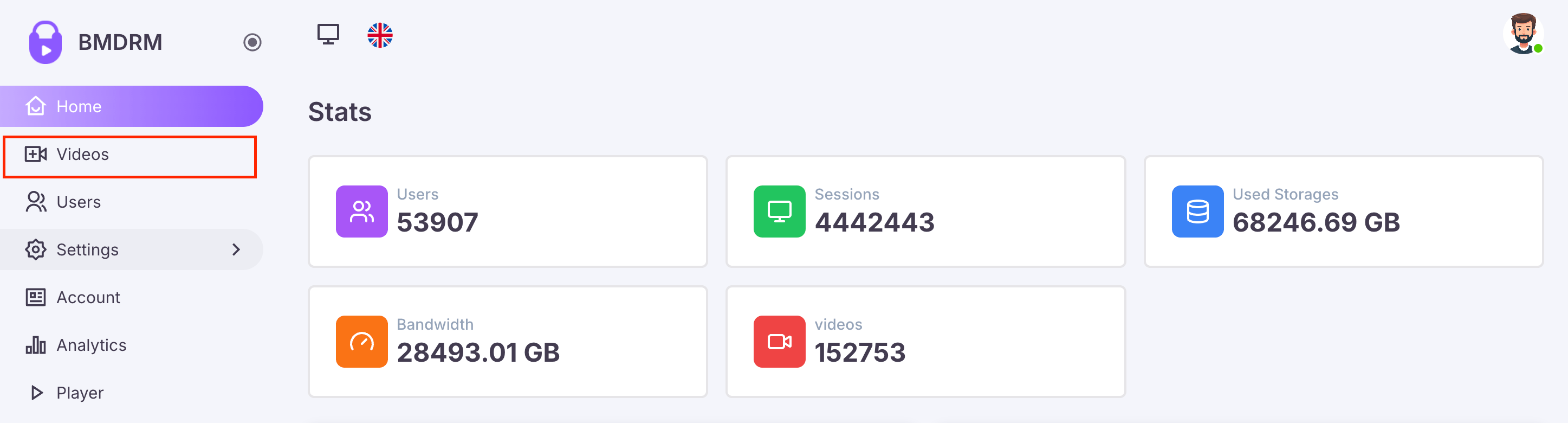
- Click Videos on the sidebar.
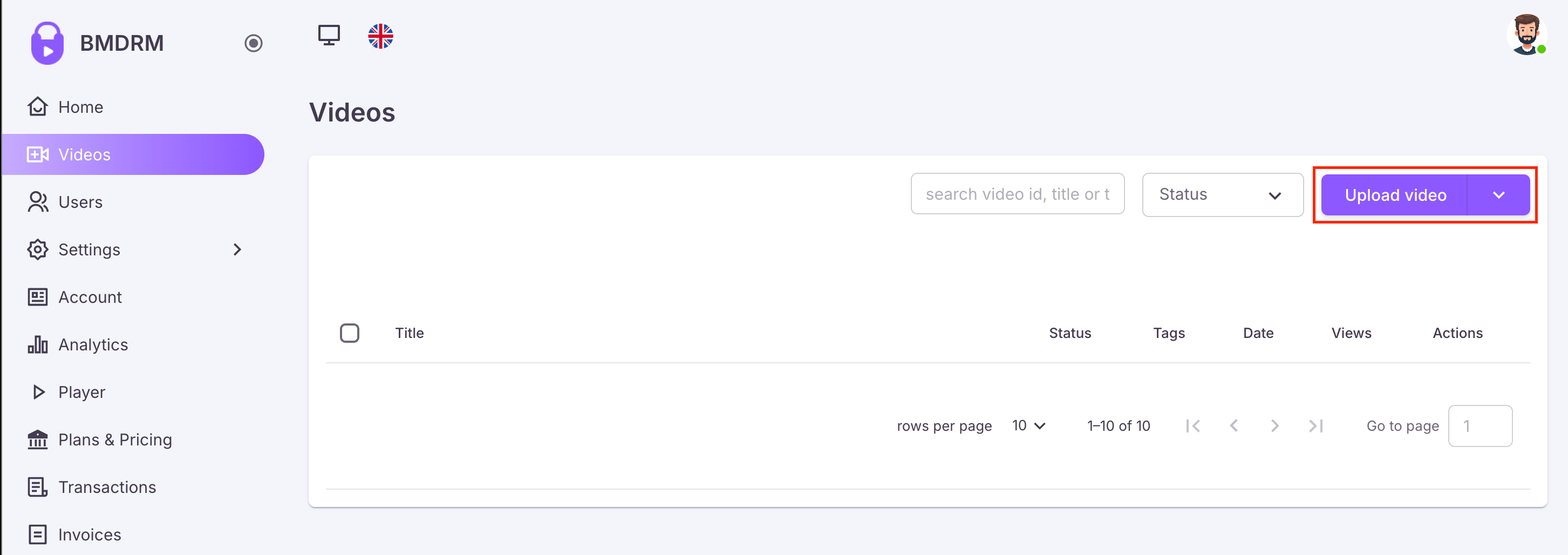
- Click Upload a video.
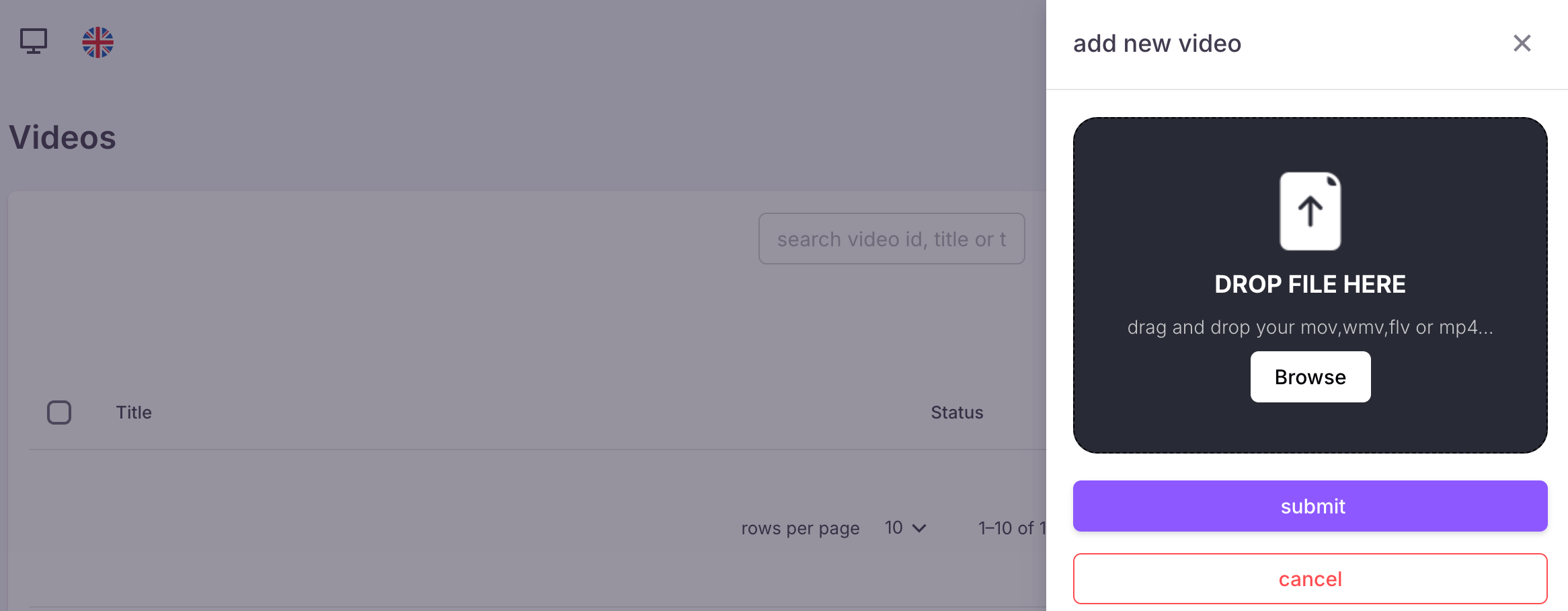
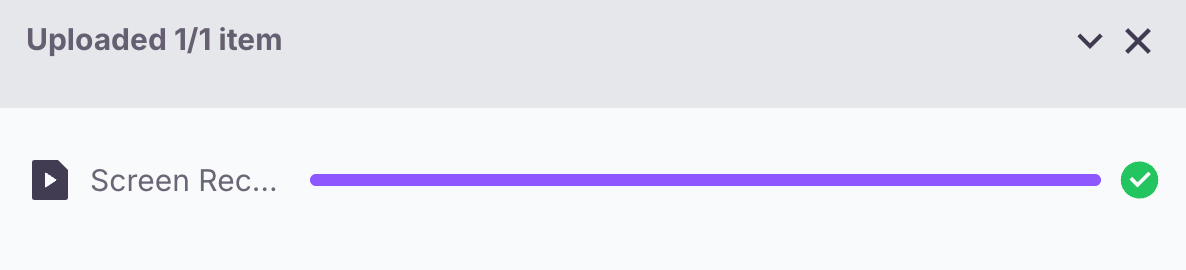
- A new popup will open, allowing you to select or drag the video files which will automatically start the upload after you click Submit.
- BMDRM will then process and encode your video for optimal streaming across devices and bandwidths.
Getting the embed code or video URL
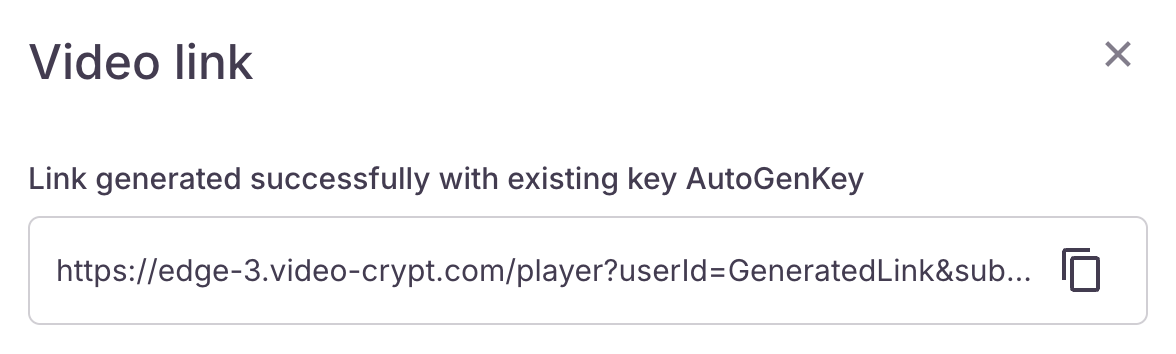
Once your video is uploaded and processed, you can integrate it into your website or share it directly with your viewers.- Getting the video URL.

- Click on the clipboard icon.
4
When your trial expires
Your dashboard includes a handy countdown timer that tracks the remaining days of your trial. This feature helps you plan your usage effectively, ensuring you make the most of your trial period.
Once your 14-day trial expires, any remaining trial credits are removed from your account. Trial credits cannot be carried over or converted to paid credits.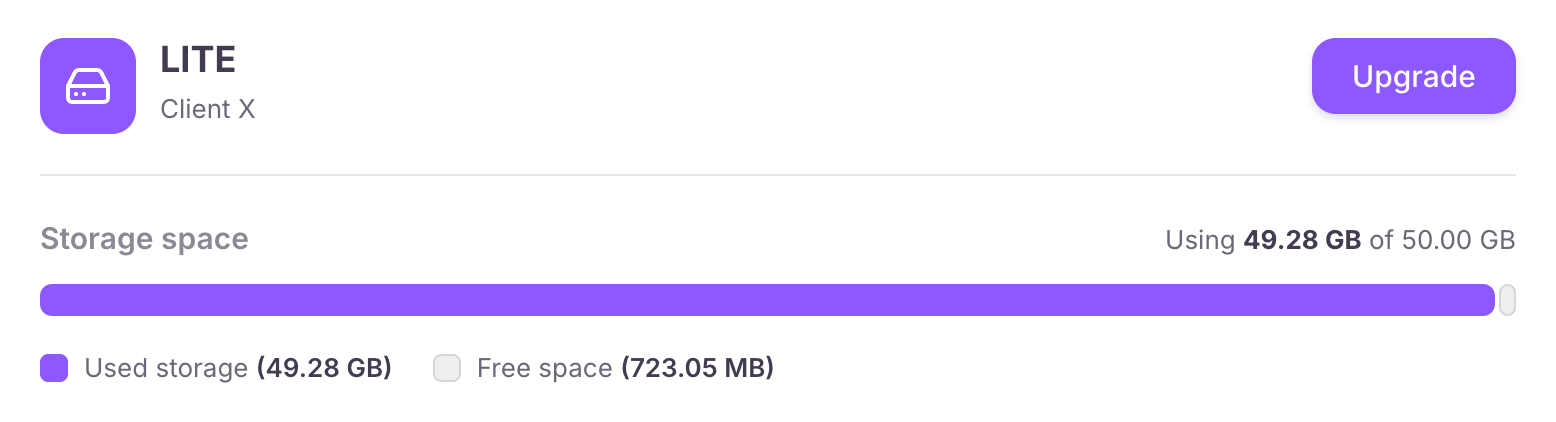
Once your 14-day trial expires, any remaining trial credits are removed from your account. Trial credits cannot be carried over or converted to paid credits.
- Upgrade