> ## Documentation Index
> Fetch the complete documentation index at: https://bmdrm.com/docs/llms.txt
> Use this file to discover all available pages before exploring further.
# Authentication
> Learn how to find your API key to upload videos, manage content, and more via the HTTP API.
Every request to the BMDRM HTTP API is authenticated with an API key. This guide walks through where to find those keys in the dashboard so you can start uploading and managing videos programmatically.
## What you'll need
Before you dive in, make sure you have a [BMDRM](https://dev.bmdrm.com/) account ([Log in](http://dev.bmdrm.com/login) or sign up for a [free trial](https://dev.bmdrm.com/en/register)).
## Obtaining your API Keys
To obtain your API key, follow the steps below:
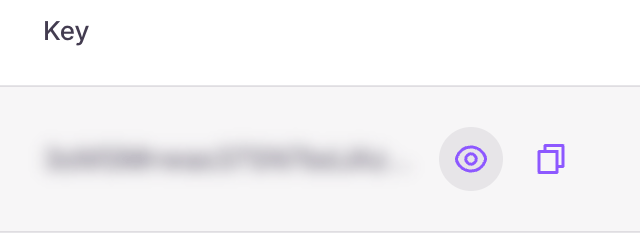
1. Go to the **Settings → API Keys** section.  2. Your API key is hidden by default. Click the eye icon to reveal it, or the copy icon to copy it to your clipboard.
 ## Revoking your API key
If your API key is compromised, click the refresh icon to generate a new one. You'll be asked to confirm before the key is reset.
## Revoking your API key
If your API key is compromised, click the refresh icon to generate a new one. You'll be asked to confirm before the key is reset.
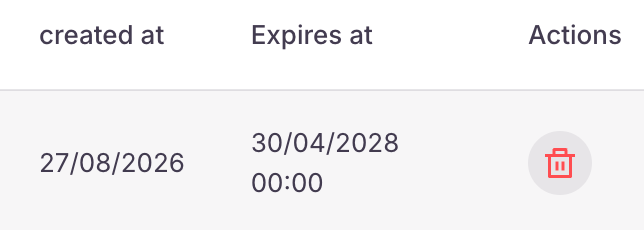 Revoking your API key will disable the old key immediately. Any applications or scripts using the old key will stop working.
## Keep your API key safe
Your API key has full access to your account. Never share it publicly or commit it to version control.
This documentation is built and hosted on [Mintlify](https://mintlify.com), a developer documentation platform.
Revoking your API key will disable the old key immediately. Any applications or scripts using the old key will stop working.
## Keep your API key safe
Your API key has full access to your account. Never share it publicly or commit it to version control.
This documentation is built and hosted on [Mintlify](https://mintlify.com), a developer documentation platform.