> ## Documentation Index
> Fetch the complete documentation index at: https://bmdrm.com/docs/llms.txt
> Use this file to discover all available pages before exploring further.
# Appearance
> Choose between light and dark mode for the BMDRM dashboard.
You can customize the appearance of the bunny.net dashboard by choosing between light and dark mode.
## Change your theme
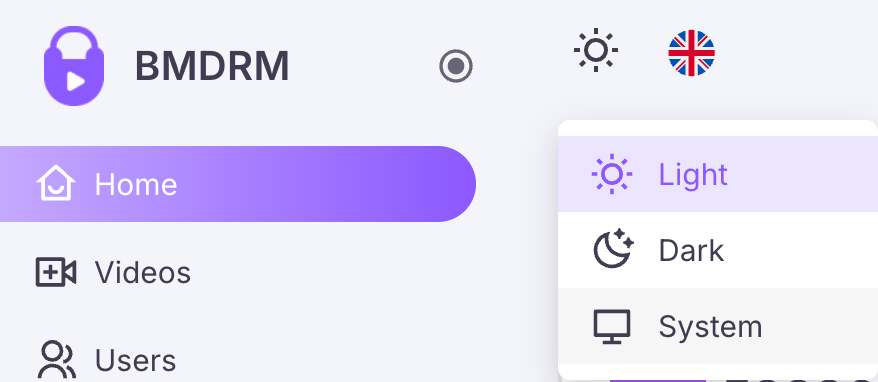
Locate the appearance icon in top-left corner.
Click the light, dark, or system mode icon to switch themes.
 This documentation is built and hosted on [Mintlify](https://mintlify.com), a developer documentation platform.